Copy & Paste,
Saved
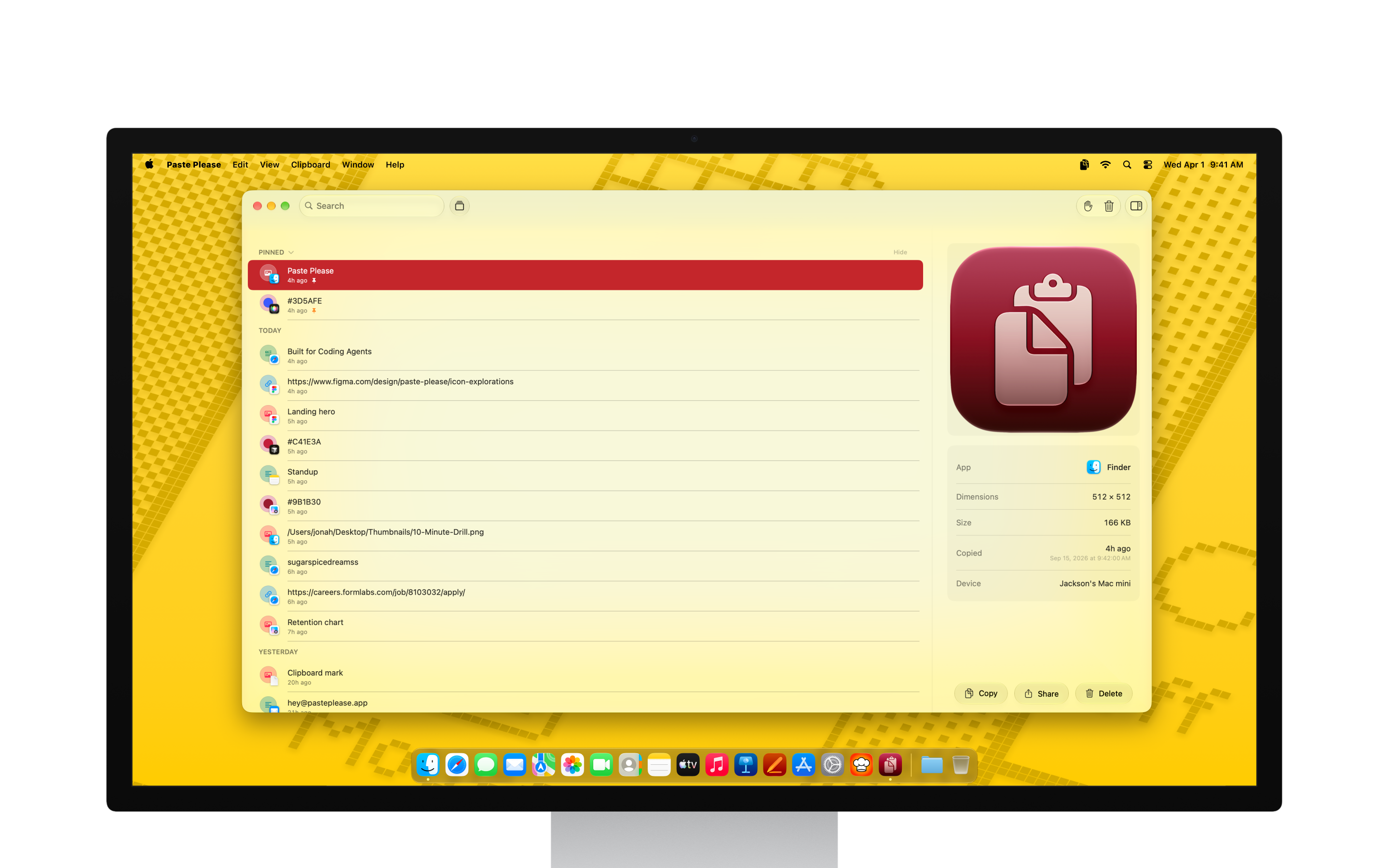
Paste Please keeps a searchable history of what you copy on your Mac (text, images, colors, files, and links) — ready from the Menu Bar, Desktop widgets, or a full window.
Who is Paste Please for?
For Mac users who copy constantly — and hate losing what they just had.
Power Copiers
Jump between apps all day and need yesterday’s snippet, image, or link without digging through windows.
Writers & Designers
Reuse text, images, colors, files, and links with rich previews before you paste.
Privacy-First Mac Users
Want clipboard history that stays on your Mac — optionally synced with encrypted iCloud — with no tracking.
Copy Once, Paste Anytime
Widgets
Add Paste Please to your Desktop or Notification Center. Three sizes keep clipboard history one glance away.
Menu Bar + Window
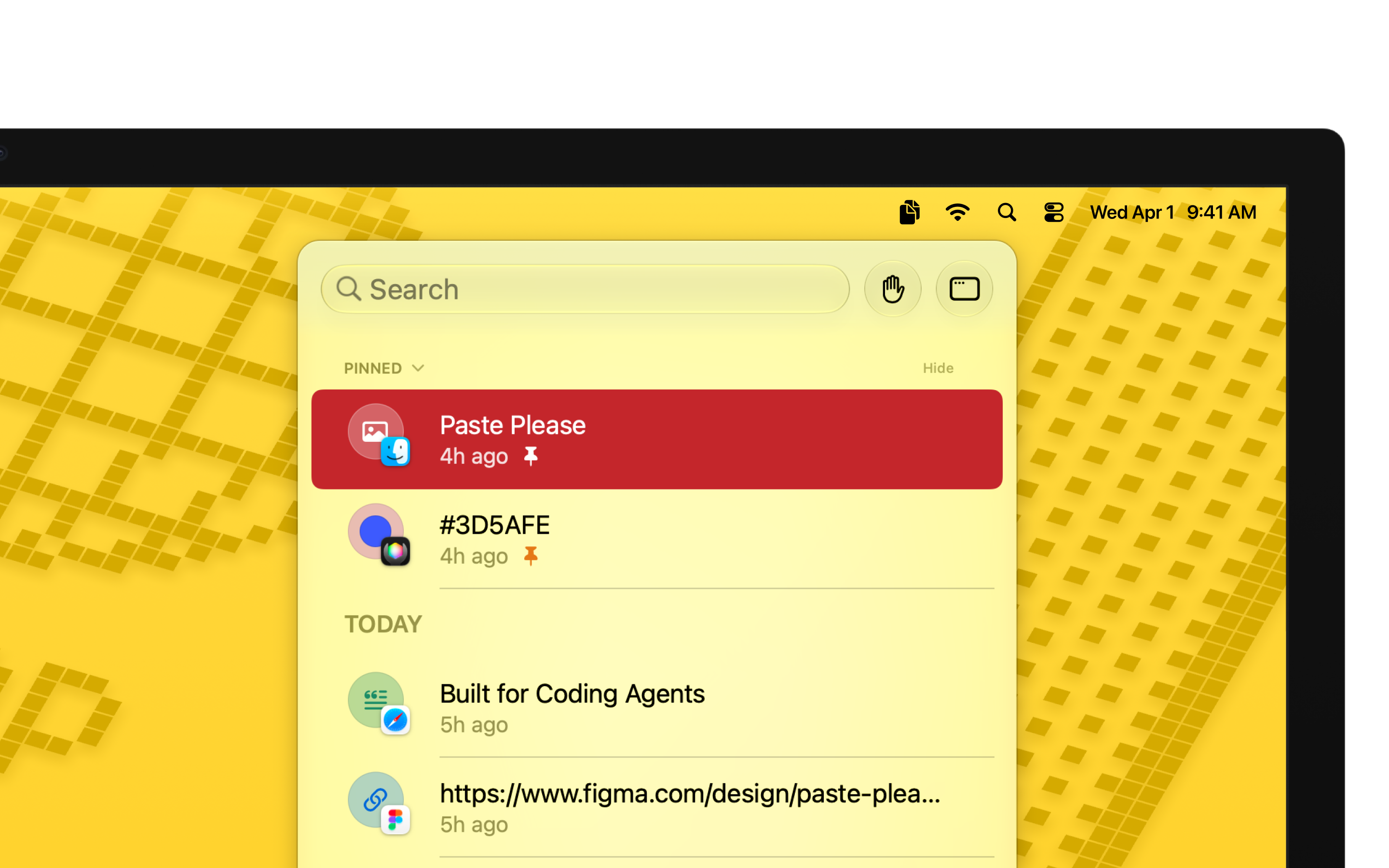
Quickly access recent clipboard history from the Menu Bar. Jump into the full app for more complex workflows.
Rich Previews
See what you copied before you paste: text, images, hex codes with color previews, files, and links. All with detailed metadata.
Search
Search clipboard history, pin your most used assets, and stay organized with robust filtering tools.
Privacy Focused
Your clipboard history stays local to your Mac, and is optionally backed up to iCloud—fully encrypted. No data is collected.
Accessibility
Paste Please supports the accessibility settings you already use on Apple devices.
- VoiceOverVoiceOver
- Voice
ControlVoice Control - Dark
InterfaceDark Interface - Sufficient
ContrastSufficient Contrast - Differentiate
Without ColorDifferentiate Without Color Alone - Reduced
MotionReduced Motion
Frequently Asked Questions
Get Paste Please
Free on the Mac App Store. Requires macOS 26 Tahoe or newer.